Introduction
Representing numeric data visually is a big part of many useful applications.
Consider CardioBot, a popular third-party app for visualizing Apple Health data, written by Majid Jabrayilov (a developer who also maintains a helpful blog about programming with Swift and SwiftUI).
Today, please read the following third-party tutorial:
This tutorial is an excerpt from Beginning iOS Programming with Swift by AppCoda.
Create a new Xcode project named ChartsExamples and try out the code examples described in the tutorial.
TIP
You can follow this tutorial by creating either an iOS or macOS application in Xcode – both work equally well – however, on some computers, macOS projects will compile and run faster.
Exercise
Using what you learned in the tutorial above, select either a bar chart or a line chart.
Create data structures that you can model using the chart type you selected.
Then make a chart to visualize the data.
For deeper learning, if you have time, make both types of charts using your own data.
EXAMPLE
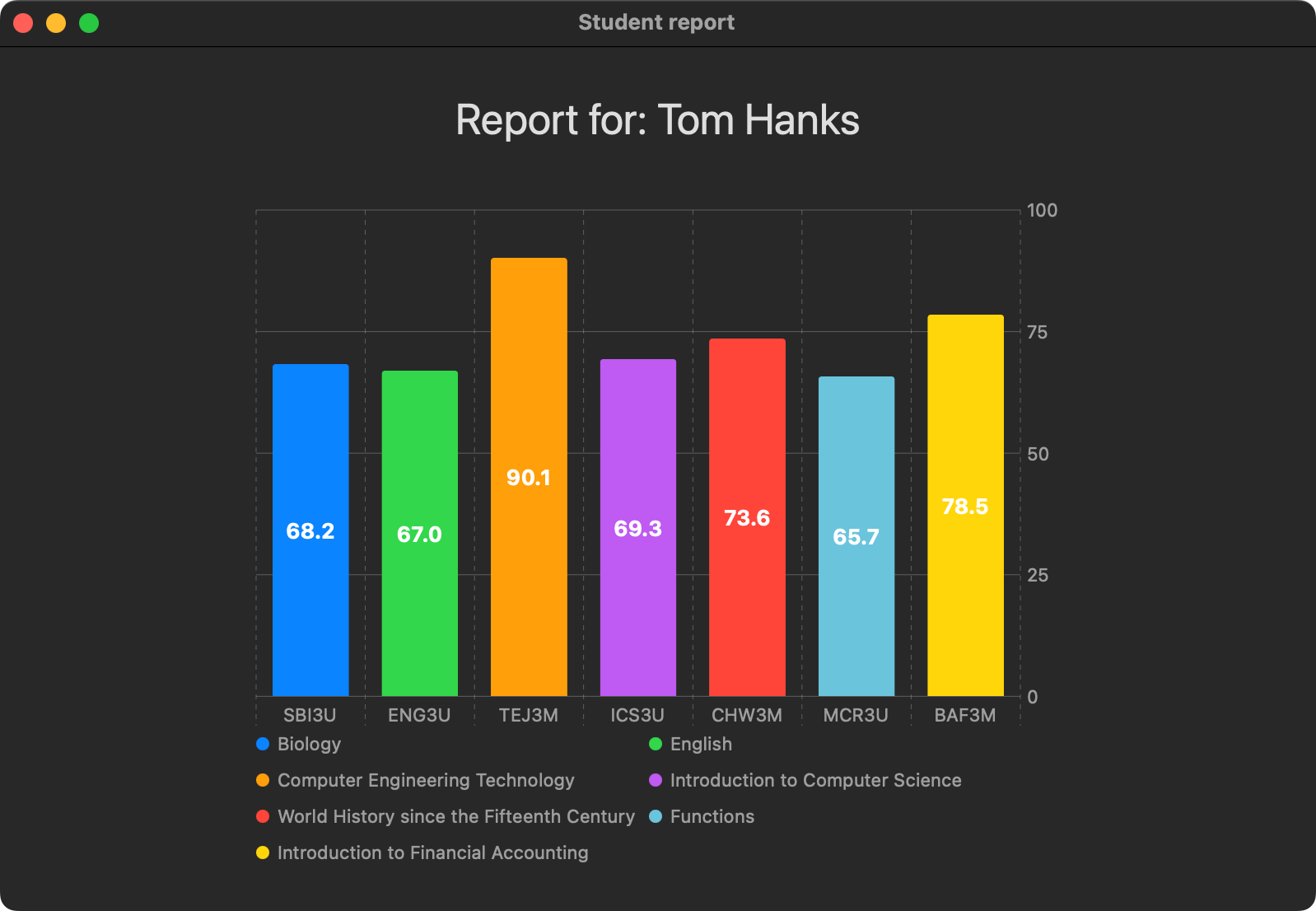
Here is an example using “student” grades data: