Conditional statements allow us to selectively run blocks of code when given a condition is true. If needed, we can check multiple conditions.
If we need to check many conditions and run different code for each condition, a switch statement might be easier to use.
We can use for loops to repeat a block of code a fixed number of times.
When we need to repeat a block of code as long as a condition remains true, that’s a job for a while loop.
Operators allow us to assign values to a variable or a constant, perform arithmetic, or make comparisons.
TIP
Take some time with your partner to try out the examples provided at the links above in an Xcode Playground.
This is especially recommended if it’s been a while since you have done much programming.
Exercise
The Cell Sell
As a recap of how to work with variables and express logic using code, please work with a partner using the driver-navigator pattern to complete this exercise on comparing the cost of old-fashioned cell-phone plans.
To begin, create a macOS command line project in Xcode named CellSell:
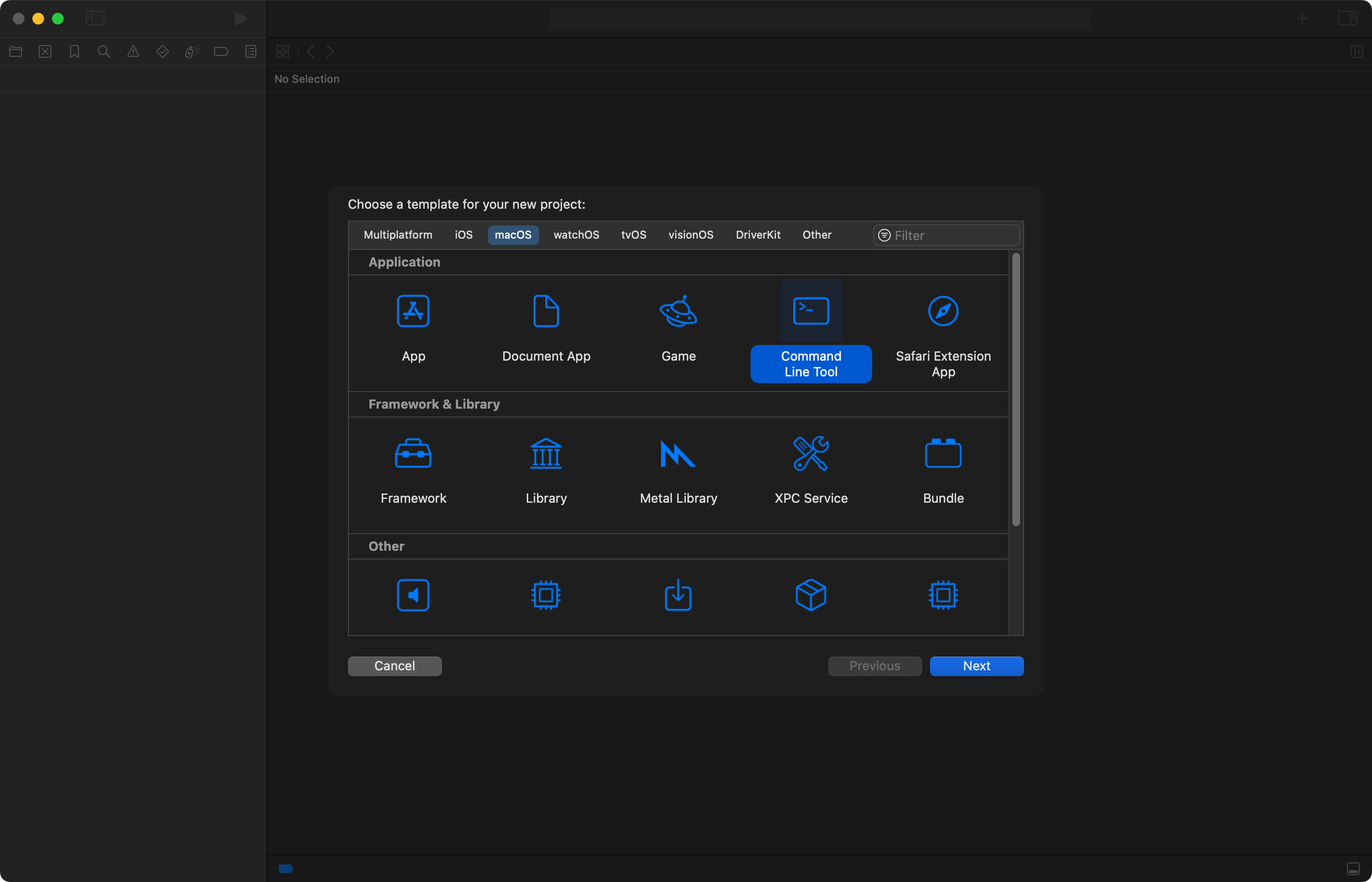
As a starting point, replace the code in main.swift with this:
import Foundation

// 1. Input

// Get number of daytime minutes
var dayTimeMinutes = 0
while true {

    // Prompt
    print("Number of daytime minutes?")

    // Collect input
    guard let givenInput = readLine() else {
        // Repeat prompt, no input given
        continue
    }

    // Convert to integer
    guard let givenInteger = Int(givenInput) else {
        // Repeat prompt, not an integer
        continue
    }

    // Now we have an integer, break input loop
    dayTimeMinutes = givenInteger
    break

}

// 2. Process

// Calculate costs for plan A
var a = 0

// Add daytime cost
a += (dayTimeMinutes - 100) * 25

// Calculate costs for plan B

// 3. Output
print("Plan A costs \(a)")
The code above is incomplete and incorrect. Work with your partner to complete the code.
You can test your solution using this test plan. Your program can be considered complete if it passes all of the test cases provided.